
ARC5700 programming software download

€9,999.00
Tax included

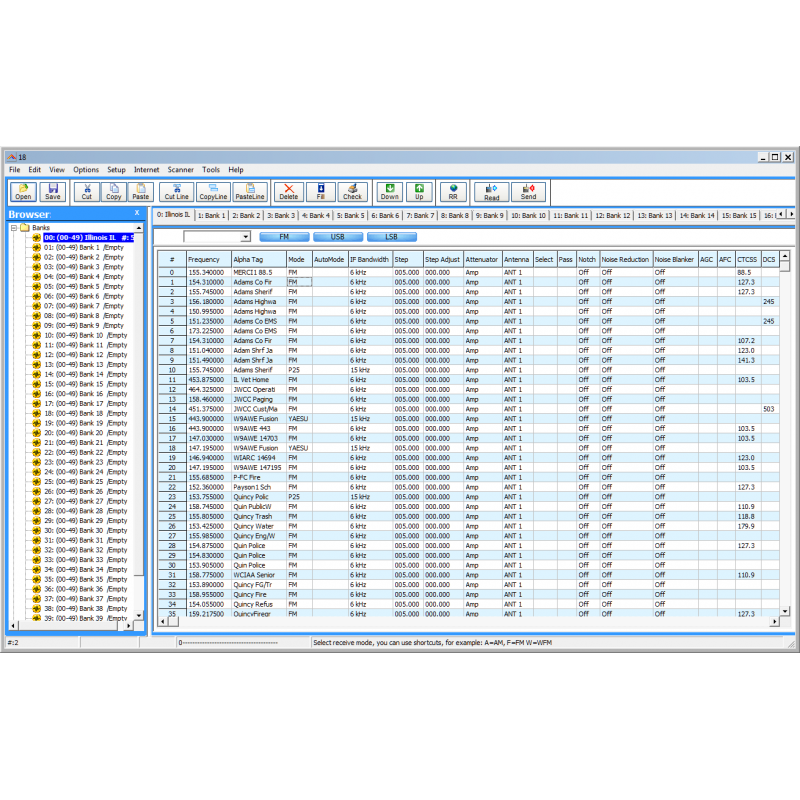
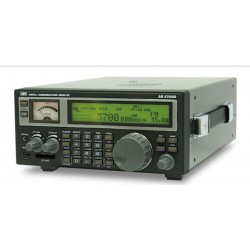
ARC 5700 is Windows programming software for the AOR AR 5700D, AR 5001 and AR6000 receivers.

Strictly no refunds on software downloads, try the free demo before making your purchase.

Quantity

Overview of options in the ARC5700 programming software for the AOR AR5700D, AR5001 and AR6000 receivers:

  • ARC5700 is the most versatile memory editor available on the market, including cut/copy/paste options!
  • ARC5700 includes a user-friendly 'browser' that makes navigating the software a breeze
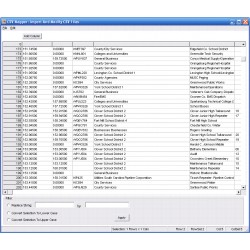
  • ARC5700 works just like a spreadsheet
  • ARC5700 is programming software only for the memory and search channels
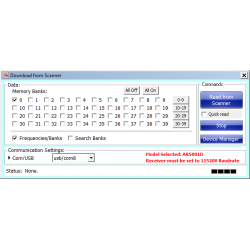
  • High speed data transfer
  • Easy cut/copy/paste options
  • Quickly edit and change alpha tag case (convert to lower/UPPER/Special/MiXeD case)
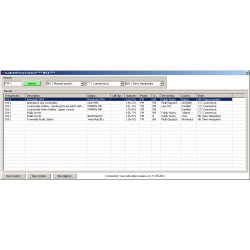
  • www.radioreference.com* import option!
  • Print option
  • Paste Frequencies directly from any website using 'Paste Special'
  • Setup channels in an easy, spreadsheet type interface.
  • Store unlimited number of configurations.
  • Windows 7 / 8 / 10 / 11 compatible
  • All updates are free for registered users
  • Copy/Move/Swap banks
  • Move channels up and down
  • Import/Export CSV data
  • Fill down/series option
  • Full clipboard support for import/export data to/from other applications
  • Enhanced sorting options
  • Remove/Find duplicates with overview

* Radioreference.com import requires additional subscription and is NOT included with the software. We only support importing from the US www.radioreference.com website

System requirements:

  • Windows 7/8/10/11
  • AOR AR5700D or AR5001 or AR6000 receiver
  • USB PC cable

Product Delivery:

  • Software key is electronically delivered by email 

Key words: aor ar5700 ar5700d ar6000 ar5001 programming software AR

Data sheet

Scanner Model
AOR AR5001
AOR AR5700D
AOR AR6000
Delivery Type
Delivery by email within 24 hours
Windows
Windows 7 / 8 / 10 / 11
Program type
Programming software only
Program options
CSV support
Free updates
Print option
Radioreference.com import